How to Calculate Percentage Increase (Formula + Examples)
Learn the percentage increase formula and how to use it step by step. Includes worked examples, a quick calculator shortcut, and common mistakes to avoid.
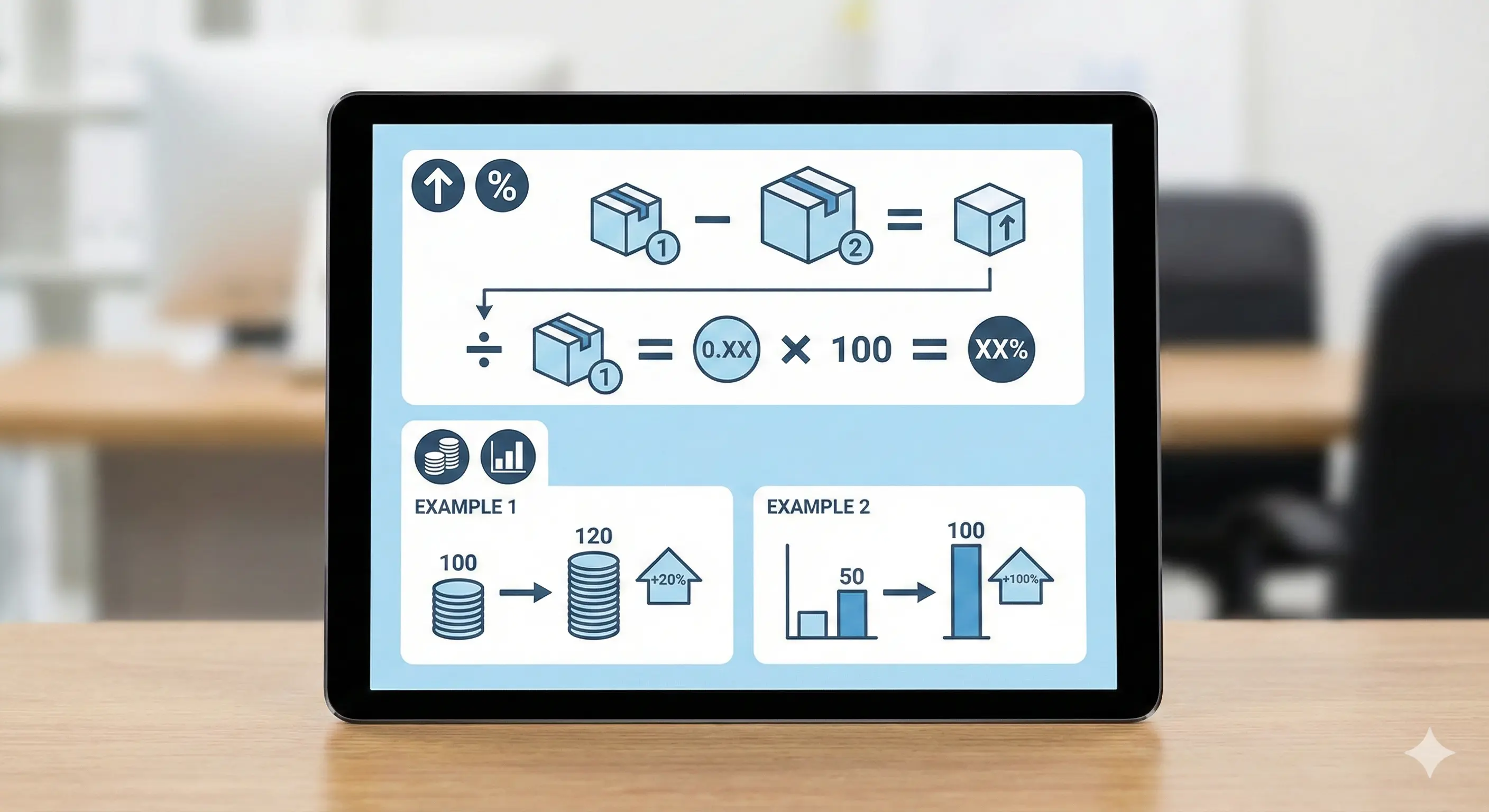
If you need to calculate a percentage increase (for price changes, growth, revenue, and more), the method is always the same: compare the difference to the original value.
Percentage increase formula
Use this formula:
Percentage increase = ((New - Old) / Old) * 100Step-by-step example
Example: the price goes from 80 to 100.
- Find the difference:
100 - 80 = 20 - Divide by the original:
20 / 80 = 0.25 - Convert to percent:
0.25 * 100 = 25%
Percentage increase vs percentage points
These are not the same. If something goes from 10% to 12%, that is +2 percentage points, but a 20% increase relative to the original 10%.
Shortcut: use a percentage calculator
If you just want the result fast (and avoid mistakes), you can use the calculator here: Calculate Percentage Online.
Common mistakes
- Dividing by the new value instead of the old value.
- Forgetting to multiply by 100.
- Mixing up percentage increase with percentage points.
Related guides
FAQ
What is the percentage increase from 50 to 65?
Use ((65-50)/50)*100 which equals 30%.
Can percentage increase be negative?
If the new value is lower than the old value, you get a negative result. In that case it is a percentage decrease.